Gists
This is a sample script for exporting Google Docs files (Spreadsheets, Documents, and so on) in PDF format with batch requests using Google Apps Script.
I have published a report “Efficient File Management using Batch Requests with Google Apps Script”. In this report, I mentioned how to use the batch requests using Google Apps Script.
In this post, I would like to introduce the method for retrieving binary data using this method.
Gists
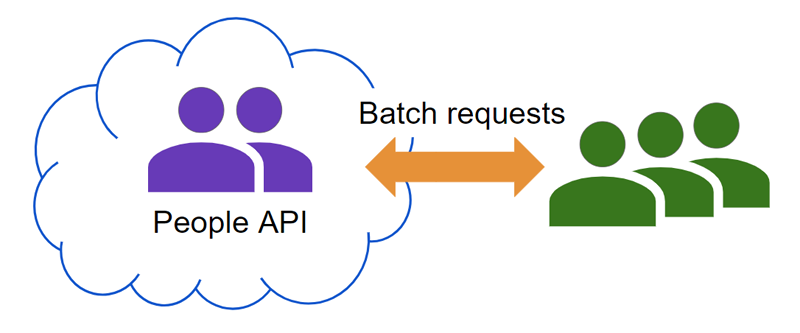
These are the sample scripts for using getBatchGet, batchUpdateContacts, batchDeleteContacts, batchCreateContacts of People API with Google Apps Script.
When the data is retrieved and put with People API, the process cost can be reduced by using batch requests. Fortunately, in the current stage, People API has native methods for using batch requests. Those are getBatchGet, batchCreateContacts, batchDeleteContacts, and batchUpdateContacts. In this post, I would like to introduce the sample scripts for using the batch requests of People API.
Gists
These are the sample scripts for creating and deleting multiple events in Google Calendar by batch requests using Calendar API with Node.js.
In the current stage, unfortunately, googleapis for Node.js cannot request batch requests. Ref So, when multiple events are created and deleted in Google Calendar using Node.js, it is required to run the script in a loop. In this case, the process cost becomes high. Ref In this post, I would like to introduce creating and deleting multiple events in Google Calendar using batch request with Node.js.
Overview
This is a Node.js module to run the batch requests of Google APIs.
Description
In Google APIs, there are APIs where batch requests can be run. The batch requests can run multiple API calls by one API call with the asynchronous process. By this, both the process cost and the quota cost can be reduced. Ref In Node.js, the wonderful module of googleapis for Node.js is existing. But, in the current stage, unfortunately, it seems that the googleapis for Node.js cannot run the batch requests. Ref So, I created this module. This module can achieve batch requests with Node.js. In order to run batch requests, the access token retrieved from googleapis for Node.js can be used.
Gist
This is a sample script for retrieving the batch path for using the batch requests using Google Apps Script.
After August 12, 2020, in order to use batch requests, the batch path is required to be used to the endpoint of the batch requests. And, the batch path is sometimes updated. So, when a constant batch path has been continued to be used, this might lead to the reason for an error. In this sample script, the batch path is retrieved from Discovery API. By this, the latest batch path can be always obtained.
Gists
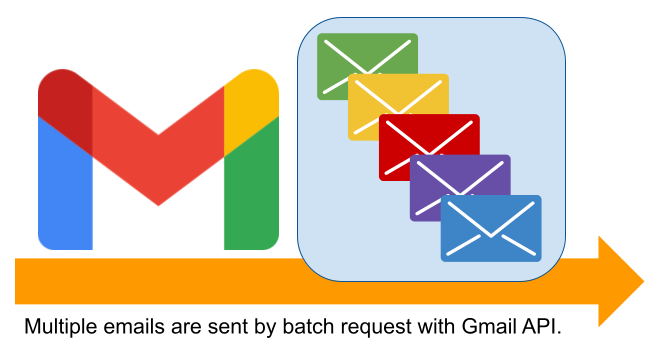
This is a sample script for sending multiple emails using the batch request with Gmail API using Google Apps Script. When multiple emails are sent using “GmailApp.sendEmail” and “MailApp.sendEmail”, a loop is used. But in this case, the process cost becomes high. In this post, I would like to introduce the sample script for reducing the process cost under this situation. Gmail API can be requested with the batch request. The batch request can be processed with the asynchronous process. By this, I thought that the process cost for sending multiple emails. So, this sample script sends multiple emails using the batch request with Gmail API.
Overview
This is a library for running Batch Requests for Google APIs using Javascript.
Description
When users use Google’s APIs, one quota is used for one API call. When the batch request is used, several APIs can be called by one quota, although there are some limitations in the batch request.
google-api-javascript-client can run the batch request. Ref But, I created this for my self study. This library can achieve the batch request using fetch without using google-api-javascript-client.
Overview
These are the sample scripts of the batch requests for Drive API using Google Apps Script.
Description
When we want to manage the files and folders on Google Drive, we have 2 ways. One is the use of Drive service. Another is the use of Drive API. In the case of them, when we want to manage a lot of files and folders, unfortunately, both ways have no batch requests. Namely, for example, the metadata of a lot of files are changed, the methods in Class File and Files: update are required to be used in the loop. In this case, the process cost will be high. On the other hand, Drive API can use the batch requests. But in this case, in order to use this batch requests with Google Apps Script, it is required to create the request body of multipart/mixed by each user. Because there are no methods for automatically requests the batch requests. From this situation, here, I would like to introduce the simple sample scripts for creating, updating and deleting the files and folders on Google Drive using the batch requests with Google Apps Script.
Overview
This is the sample scripts for managing a lot of Google Calendar Events using the batch requests with Google Apps Script.
Description
When we want to manage the events of Google Calendar, we have 2 ways. One is the use of Calendar service. Another is the use of Calendar API. In the case of them, when we want to manage a lot of calendar events, unfortunately, both ways have no batch requests. Namely, for example, when a lot of events are deleted, deleteEvent() and Events: delete are required to be used in the loop. In this case, the process cost will be high. On the other hand, Calendar API can use the batch requests. But in this case, in order to use this batch requests with Google Apps Script, it is required to create the request body of multipart/mixed by each user. Because there are no methods for automatically requests the batch requests. From this situation, here, I would like to introduce the simple sample scripts for creating, updating and deleting the events of Google Calendar using the batch requests with Google Apps Script.
Gists
There is the bathing requests in the Google APIs. The bathing requests can use the several API calls as a single HTTP request. By using this, for example, users can modify filenames of a lot of files on Google Drive. But there are limitations for the number of API calls which can process in one batch request. For example, Drive API can be used the maximum of 100 calls in one batch request.