tanaike - Google Apps Script, Gemini API, and Developer Tips

The Thinker

Converting PDF to TXT

This is a sample script for converting a PDF file to a TXT file. 2 steps are required for this.

  1. Upload a PDF file as a Google Document
  2. Download a Google Document as a TXT file

In this sample, Python Quickstart is used. The detail information is https://developers.google.com/drive/v3/web/quickstart/python. Please read “Step 1: Turn on the Drive API” and “Step 2: Install the Google Client Library”.

from __future__ import print_function
import httplib2
import os
import io

from apiclient import discovery
from oauth2client import client
from oauth2client import tools
from oauth2client.file import Storage
from apiclient.http import MediaFileUpload, MediaIoBaseDownload

try:
    import argparse
    flags = argparse.ArgumentParser(parents=[tools.argparser]).parse_args()
except ImportError:
    flags = None

SCOPES = 'https://www.googleapis.com/auth/drive'
CLIENT_SECRET_FILE = 'client_secret.json'
APPLICATION_NAME = 'Drive API Python Quickstart'


def get_credentials():
    credential_path = os.path.join("./", 'drive-python-quickstart.json')
    store = Storage(credential_path)
    credentials = store.get()
    if not credentials or credentials.invalid:
        flow = client.flow_from_clientsecrets(CLIENT_SECRET_FILE, SCOPES)
        flow.user_agent = APPLICATION_NAME
        if flags:
            credentials = tools.run_flow(flow, store, flags)
        else:  # Needed only for compatibility with Python 2.6
            credentials = tools.run(flow, store)
        print('Storing credentials to ' + credential_path)
    return credentials


def main():
    credentials = get_credentials()
    http = credentials.authorize(httplib2.Http())
    service = discovery.build('drive', 'v3', http=http)

    pdffile = 'sample.pdf'
    txtfile = 'sample.txt'

    mime = 'application/vnd.google-apps.document'
    res = service.files().create(
        body={
            'name': pdffile,
            'mimeType': mime
        },
        media_body=MediaFileUpload(pdffile, mimetype=mime, resumable=True)
    ).execute()

    dl = MediaIoBaseDownload(
        io.FileIO(txtfile, 'wb'),
        service.files().export_media(fileId=res['id'], mimeType="text/plain")
    )
    done = False
    while done is False:
        status, done = dl.next_chunk()
    print("Done.")


if __name__ == '__main__':
    main()
Retrieving User Information with Shared Spreadsheet

This sample script retrieves the user information which is editing the shared spreadsheet.

It was found as follows.

  • User information retrieving by Class Session is the owner and users which installed triggers by themselves.
  • When each user installs a trigger, user information retrieving by Class Session losts the accuracy. So user information has to be retrieved using a temporally installed trigger.
  • Using onOpen(), it cannot directly install triggers and authorize.
  • Using menu bar, it can install triggers and authorize Google Services using API.

Here, I thought 2 problems.

CLI Tool - goris

Overview

This is a CLI tool to search for images with Google Reverse Image Search.

Motivation

Because I had wanted to search for images with an image URL and file on my terminal, I created this. This can download images from searched image URLs.

The detail information and how to get this are https://github.com/tanaikech/goris.

CLI Tool - ggsrun

Overview

This is a CLI tool to execute Google Apps Script (GAS) on a terminal.

Motivation

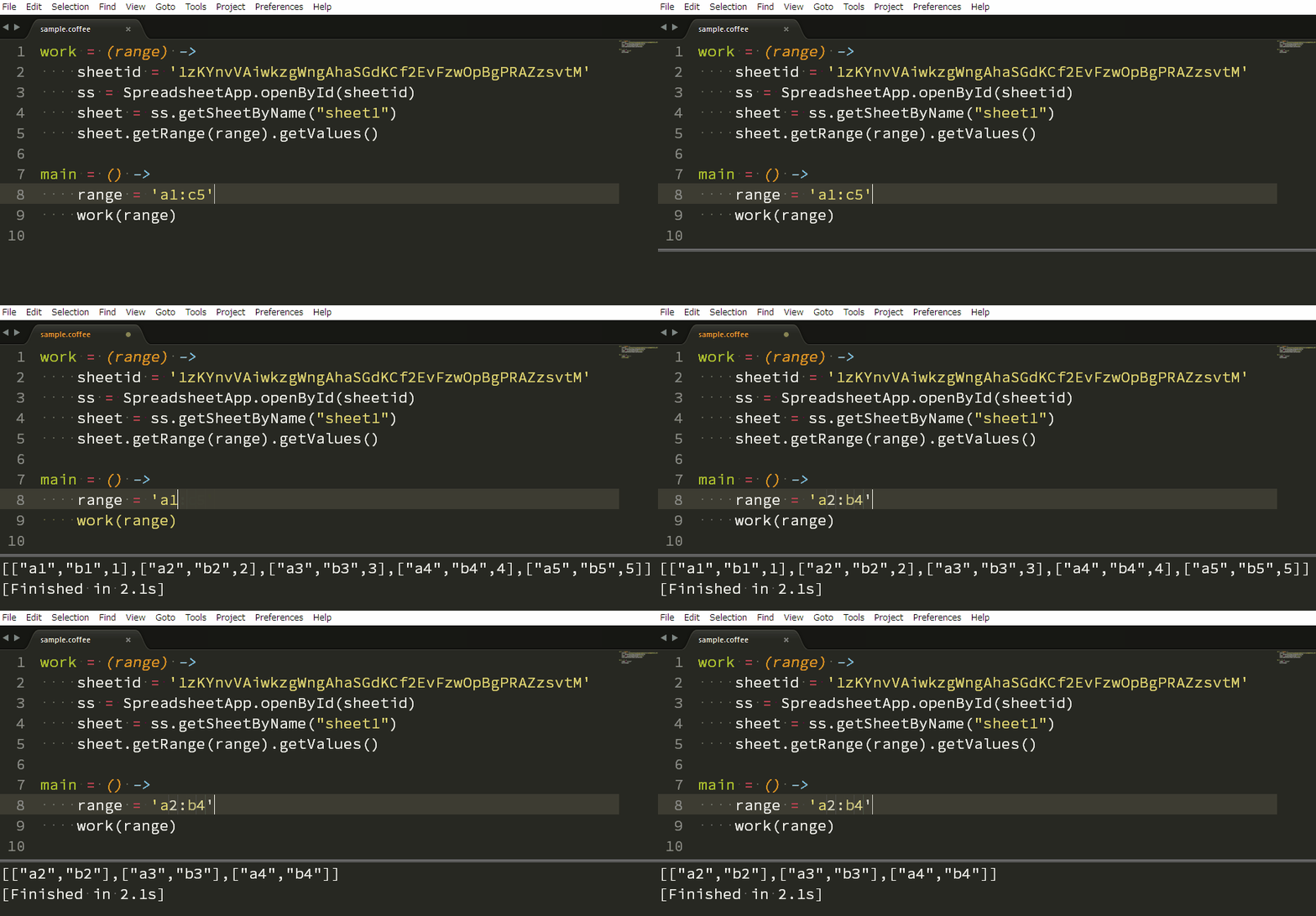
Will you want to develop GAS using CoffeeScript on your local PC? Generally, when we develop GAS, we have to login to Google using own browser and develop it using Javascript on the Script Editor. Recently, I have wanted to have more convenient local-environment for developing GAS. So I created this “ggsrun”.

The detail information and how to get this are https://github.com/tanaikech/ggsrun.

Overwriting Spreadsheet to Existing Excel File

This sample script converts a spreadsheet to excel file, and overwrites the excel file to the existing excel file. When you use this script, at first, please confirm whether Drive API is enabled at Google API console. Because the existing excel file is overwritten, the file name and file ID are not changed.

function overWrite(src_spreadsheetId, dst_excelfileId) {
  var accesstoken = ScriptApp.getOAuthToken();
  return UrlFetchApp.fetch(
    "https://www.googleapis.com/upload/drive/v3/files/" +
    dst_excelfileId +
    "?uploadType=multipart",
    {
      method: "PATCH",
      headers: {Authorization: "Bearer " + accesstoken},
      contentType: "application/vnd.openxmlformats-officedocument.spreadsheetml.sheet",
      payload: function(a, s) {
        return UrlFetchApp.fetch(
          "https://www.googleapis.com/drive/v3/files/" +
          s +
          "/export?mimeType=application/vnd.openxmlformats-officedocument.spreadsheetml.sheet",
          {
            method: "GET",
            headers: {Authorization: "Bearer " + a},
            muteHttpExceptions: true
          }
        ).getBlob().getBytes();
      }(accesstoken, src_spreadsheetId)
    }
  ).getContentText();
}

Converting Spreadsheet to PDF

Converting Spreadsheet to PDF

This sample script converts from a spreadsheet to a PDF file which has all sheets in the spreadsheet. When you use this, please enable Drive API at Google API console.

var spreadsheetId = "#####";
var folderId = "#####";
var outputFilename = "#####";

DriveApp.getFolderById(folderId)
    .createFile(UrlFetchApp.fetch(
      "https://www.googleapis.com/drive/v3/files/" +
        spreadsheetId +
        "/export?mimeType=application/pdf",
      {
        method: "GET",
        headers: {Authorization: "Bearer " + ScriptApp.getOAuthToken()},
        muteHttpExceptions: true
      })
    .getBlob())
    .setName(outputFilename);

GAS Library - CreateImg

Recently, I had been looking for creating an image from coordinate data. Unfortunately I have never found them. So I made this. This Google Apps Script (GAS) library creates an image file from coordinate data.

You can see the detail information at https://github.com/tanaikech/CreateImg.

There is a part where I would like to improve in this library. That’s convByteSlice(). I think that there is the method to be faster about the part. If you know much about the logical operation using GAS, if you teach me about the improvements. I’m so glad.

Comprehension of GAS

Here, I would like to introduce a comprehension of GAS.

Input :

var data = [[[0], [1], [2], [3]], [[4], [5], [6], [7]]];

Output :

[[0.0, 2.0], [0.0, 2.0]]

Pattern 1

var a = [];
for (var i=0; i<data.length; i++) {
  var temp = [];
  for (var j=0; j<data[i].length; j++) {
    if (data[i][j][0] % 2 == 0) temp.push(j);
  }
  a.push(temp);
}
Logger.log(a)

Pattern 2

var b = [];
data.forEach(function(e1){
  var temp = [];
  e1.forEach(function(e2, i2){
    if (e2[0] % 2 == 0) temp.push(parseInt(i2, 10));
  });
  b.push(temp);
});
Logger.log(b)

Pattern 3

var c = [[parseInt(i, 10) for (i in e) if (e[i][0] % 2 == 0)] for each (e in data)];
Logger.log(c)

GAS can use JavaScript 1.7. So it can write as above.