Workaround: Starting Animation GIF on Google Slide by Clicking
Introduction
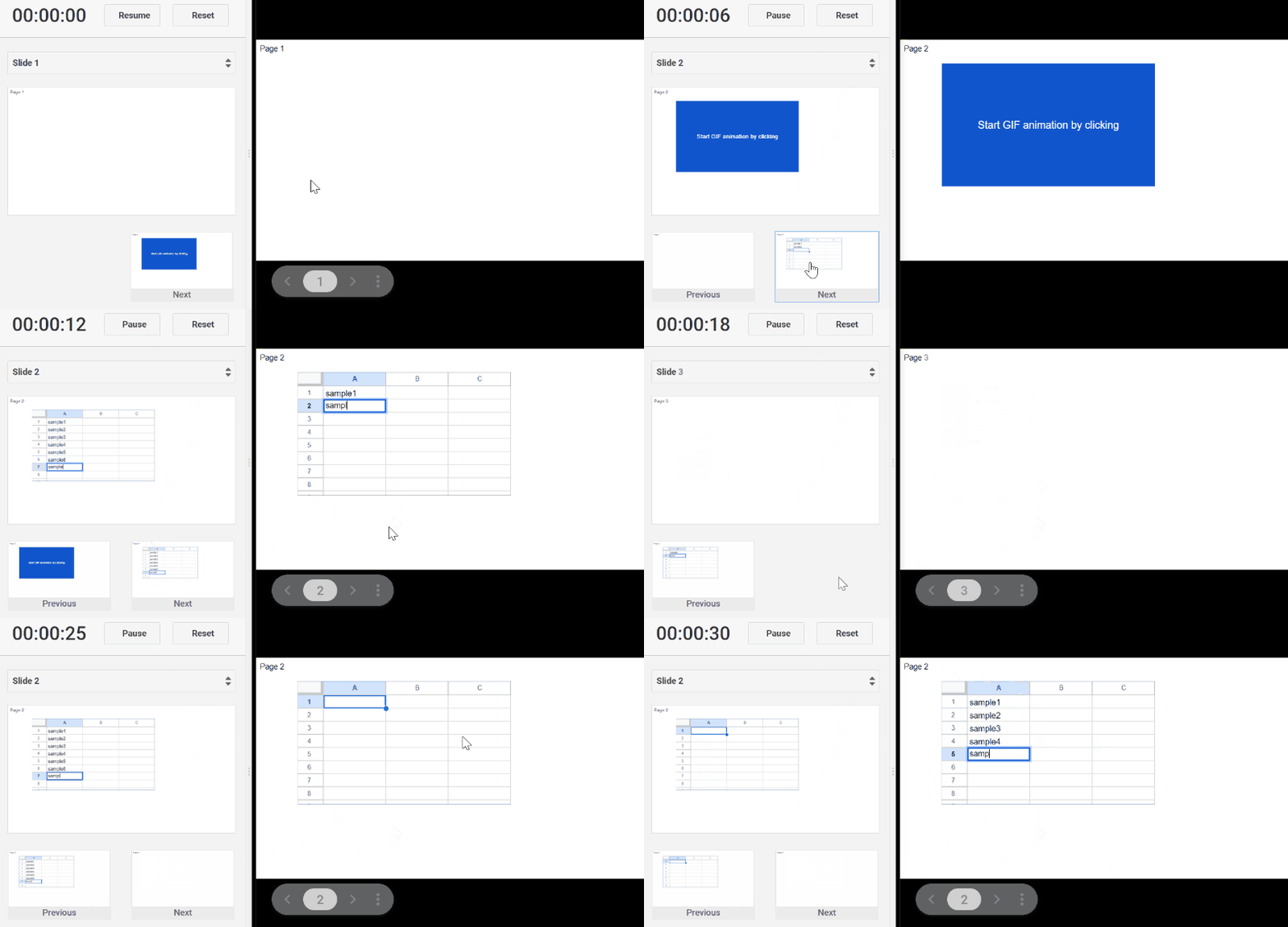
This is a simple workaround for starting an animation GIF on Google Slide by clicking.
When an animation GIF is inserted into a slide of Google Slides, the animation is automatically started. By this, the timing for starting cannot be controlled by the user side. In this post, I would like to introduce a workaround for resolving this issue. Preparation The sample flow is as follows.
Prepare a sample animation GIF.
- Create a new Google Slide.
- Insert the animation GIF into a slide.
- Insert a rectangle shape of the same size as the animation GIF, and put over this to the animation GIF. And then, please set the order of the created shape to “Send to back”. By this, the animation GIF can be seen.
- Select the animation GIF and open “Motion” from “Insert” → “Animation”.
- Use “Appear (On Click)”.
By this flow, the preparation is finished.