Abstract
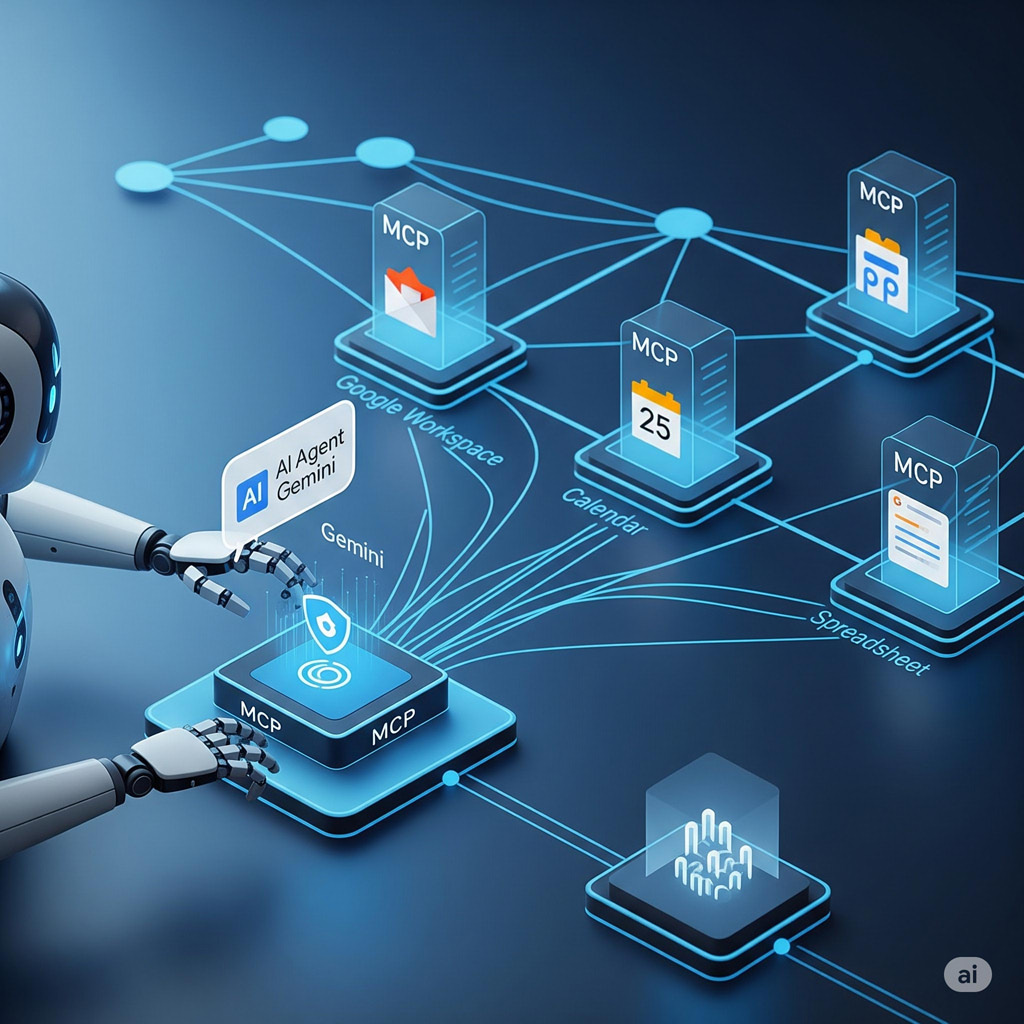
This report details an MCP network using Google Apps Script for both server and client, enabling automated, secure Gmail processing to boost efficiency.
Introduction
Recently, I published a report titled “Building Model Context Protocol (MCP) Server with Google Apps Script,” which you can find here. In that initial report, I demonstrated the feasibility of creating an MCP server using Google Apps Script, with Claude Desktop serving as the client.
This current report expands on that concept by introducing a complete MCP network. The MCP network described here can be used for complex email processing in Gmail, serving as a sample application. This network includes not only MCP servers built with Google Apps Script but also an MCP client constructed using Google Apps Script. A significant advantage of developing the MCP client with Google Apps Script is the ability to leverage Google Apps Script triggers and to request Web Apps using an access token in the request header. These triggers enable the client to run automatically, providing a powerful mechanism for automating various workflows and tasks. Additionally, the use of an access token provides high security when accessing Google resources. This automation is expected to offer substantial benefits in improving efficiency and streamlining operations.
Repository
The repository of this is https://github.com/tanaikech/MCPApp. I updated this to v2.0.0.
Features
The new version of the MCPApp includes the following features:
- Batch Processing on the MCP Server: Processes on the MCP server can now run in batches, which lowers processing costs. However, the MCP client must be updated to support this functionality.
- Optimized Client Initialization with
fetchAll: During MCP client initialization, all requests can now use thefetchAllmethod. This, combined with batch processing, will further reduce processing costs. - Google Apps Script Integration for MCP Client: By building the MCP client with Google Apps Script, you can now use active Google Docs, Sheets, Slides, and other applications directly with the MCP client. This enables processing of your active documents via the MCP server.
- Enhanced Security: When the MCP network is built using Google Apps Script, Google’s resources can be accessed safely using an access token.
Sample MCP network
The sample MCP network in this report is as follows:
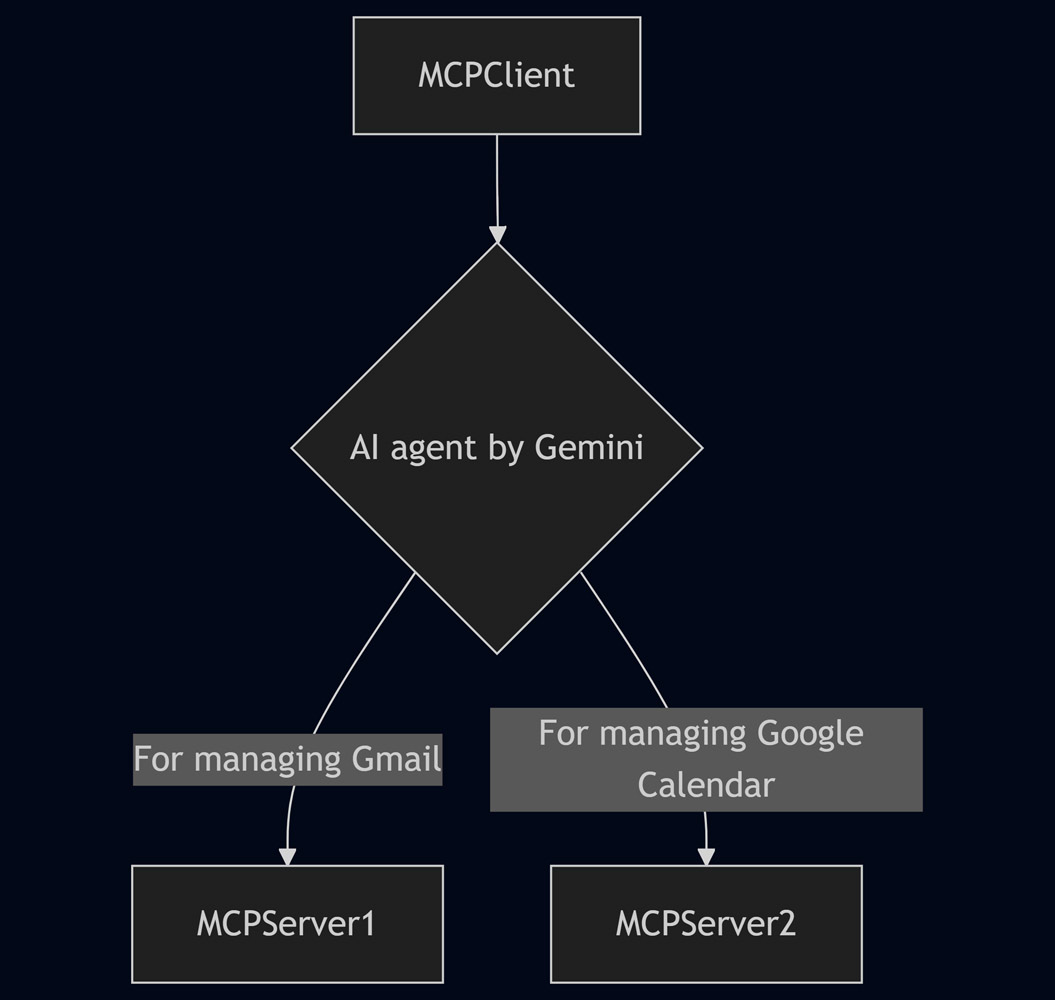
Here, Gmail messages are retrieved regularly with a time-driven trigger, and each message is processed by matching it to a task. The prepared tasks are as follows:
- Get messages from Gmail.
- Add a suitable label to the message.
- Automatically create draft emails in response to the message.
- Create an event in Google Calendar.
- Get events from Google Calendar.
- Get and put message IDs for Google Sheets.
Usage
For detailed information on how to use this application, please refer to the Usage section in my repository. You can find specific usage instructions here.
Testing
As illustrated in the flow chart above, this sample demonstrates an MCP (Multi Cloud) network comprised of a MCP client and two MCP servers. The MCP servers are responsible for deploying Web Apps, which the MCP client then accesses via HTTP requests.
I developed this specific MCP network to achieve the following automated workflow:
It confirms emails in Gmail, applies relevant labels, creates Google Calendar events from those emails, and replies to specific ones. Additionally, it saves the IDs of processed emails to prevent duplicates in subsequent runs. This entire process will run automatically on a regular basis by the time-driven trigger.
During testing, the MCP client successfully accomplished the stated goal by utilizing the two MCP servers, as evidenced by the following output:
* Retrieved message IDs of processed emails from Google Sheets: ###ID1###, ###ID2###.
* Retrieved new emails from Gmail since 2025-06-12 00:00:00, excluding processed ones.
* Identified one new email:
    * **Thread ID**: ###ID2###
    * **Title**: "Hi"
    * **From**: Sample user
    * **Body**: "Hello. Let's go to lunch together tomorrow. What would you like to eat?"
* Applied the label "temp" to the new email.
* Created a draft reply for message ID ###ID2###:
    * **Content**: "Thanks for the lunch invitation! I'm looking forward to it. I'm pretty flexible, but if I had to choose, I'm always happy with seafood or soba noodles. Let me know what you're thinking! See you tomorrow."
    * **Draft URL**: [https://URL](https://URL)
* Created a calendar event:
    * **Title**: "Lunch with Sample user"
    * **Time**: 2025-06-13 12:00:00-13:00:00
    * **Description**: "Let's go to lunch together tomorrow."
* Added message ID ###ID2### to Google Sheets.
Summary
- This updated repository significantly advances the concept of a Multi-Cloud Proxy (MCP) network by presenting a complete, end-to-end solution built entirely on Google Apps Script.
- When this MCP network is utilized, Google’s resources can be accessed safely and securely through the use of an access token.
- It is anticipated that this robust MCP network will be capable of managing a wide array of more complex and sophisticated tasks in the future.