Gists
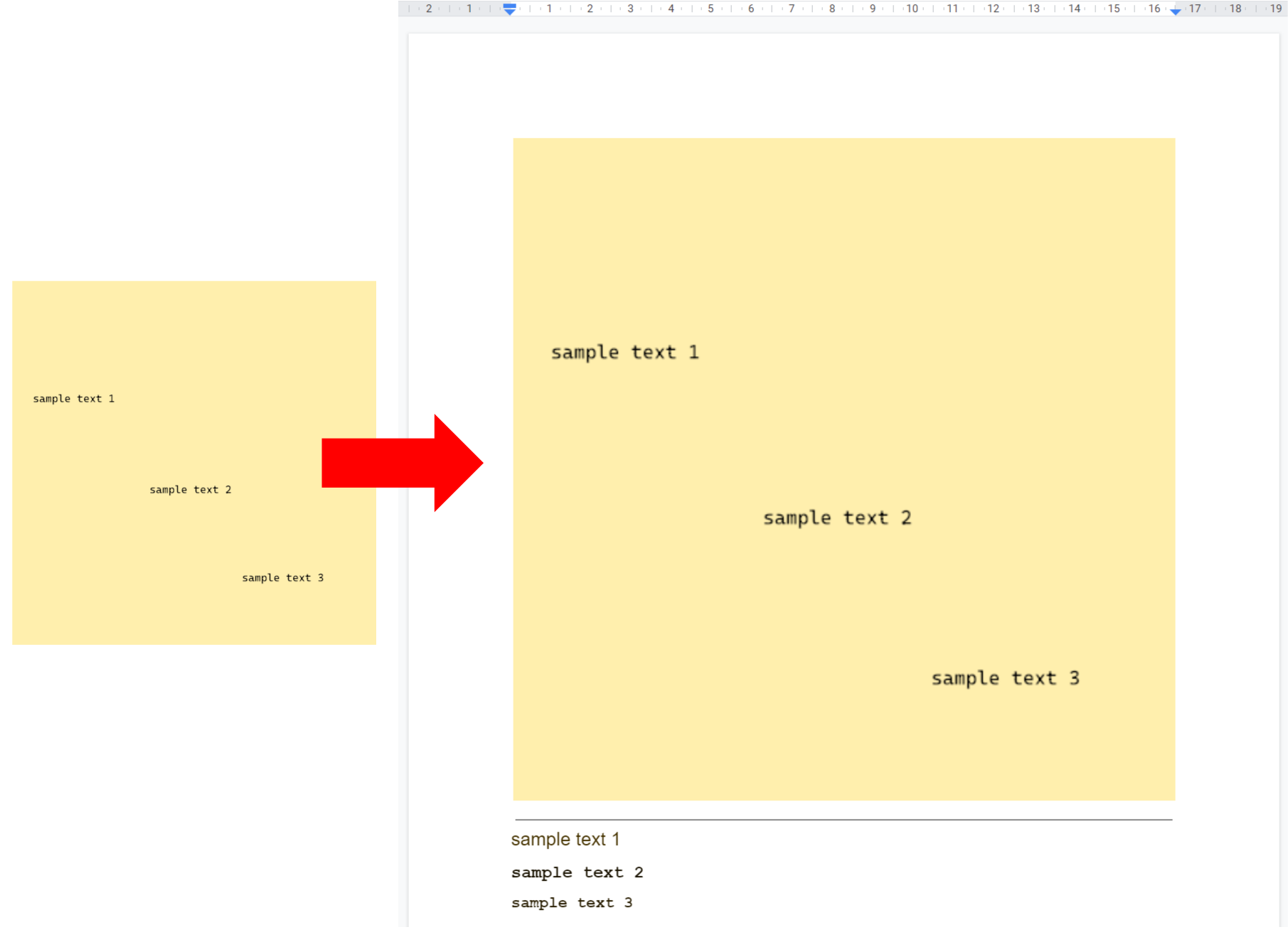
This is a sample script for converting the large images to Google Document by OCR using Google Apps Script.
When the image size, the image file size, the resolution of the image, and so on are large, an error like Request Too Large occurs. In this sample script, such the image can be converted to Google Document by reducing them.
Gists
This is a sample script for creating Google Document by converting PDF and image files with OCR using Google Apps Script.
Before you run this sample script, please install a GAS library of FetchApp.
function sample() {
  var fileId = "### fileId of PDF file and image files ###";
  var metadata = {
    name: "sampleDocument", // Filename of created Google Document
    mimeType: MimeType.GOOGLE_DOCS // MimeType of Google Document
  };
  var fileBlob = DriveApp.getFileById(fileId).getBlob();
  var form = FetchApp.createFormData(); // Create form data
  form.append(
    "metadata",
    Utilities.newBlob(JSON.stringify(metadata), "application/json")
  );
  form.append("file", fileBlob);
  var url =
    "https://www.googleapis.com/upload/drive/v3/files?uploadType=multipart";
  var params = {
    method: "POST",
    headers: { Authorization: "Bearer " + ScriptApp.getOAuthToken() },
    body: form
  };
  var res = FetchApp.fetch(url, params);
  Logger.log(res);
  // DriveApp.createFile(blob) // This comment line is used for automatically detecting scope for running this sample script.
}