Gists

You can see the presentation of this application at https://www.youtube.com/watch?v=Dc2WPQkovZE.
Abstract
This report describes an invoice processing application built with Google Apps Script. It leverages Gemini, a large language model, to automatically parse invoices received as email attachments and automates the process using time-driven triggers.
Introduction
The emergence of large language models (LLMs) like ChatGPT and Gemini has significantly impacted various aspects of our daily lives. One such example is their ability to automate tasks previously requiring manual effort. In my case, Gemini has streamlined the processing of invoices I receive as email attachments in PDF format.
GeminiWithFiles was updated to v1.0.5.
-
v1.0.5 (June 7, 2024)
- Spelling mistakes in the warning message were modified. The wait time for changing the value of state for the movie file is changed from 5 seconds to 10 seconds per cycle.
You can see the detail information here https://github.com/tanaikech/GeminiWithFiles

Overview
This is a Google Apps Script library for moving a folder including files and folders on Google Drive.
Description
This library addresses a common challenge: efficiently moving folders, including their subfolders and files, between Google Drives. This encompasses both personal and shared drives using a script. While Google Drive offers straightforward methods for moving individual files between any drives, directly moving entire folders containing subfolders presents limitations, particularly when shared drives are involved. This script bridges that gap by providing a reliable Google Apps Script solution for such scenarios.
Gists

Abstract
This script automates moving a folder including files and folders between Google Drives (personal or shared) by recreating the folder structure and transferring files, overcoming limitations for shared drives.
Introduction
This report addresses a common challenge: efficiently moving folders, including their subfolders and files, between Google Drives, encompassing both personal and shared drives using a script. While Google Drive offers straightforward methods for moving individual files between any drives, directly moving entire folders containing subfolders presents limitations, particularly when shared drives are involved. This script bridges that gap by providing a reliable Google Apps Script solution for such scenarios.
FilesApp was updated to v1.1.4.
-
v1.1.4 (June 5, 2024)
- A bug for retrieving metadata from the shared drive was removed.
GitHub of FilesApp
My post was featured in the section “Community cuts” of “The overwhelmed person’s guide to Google Cloud: week of May 23”.
Gitst

Abstract
This report builds on prior work using Gemini 1.0 Pro to expand Google Apps Script error messages. It highlights how the script’s execution time limit created a bottleneck, but the introduction of Gemini 1.5 Flash eliminates this issue.
Introduction
After the release of the Gemini API, I previously reported on “Expanding Error Messages of Google Apps Script using Gemini Pro API with Google Apps Script”. Ref In that report, I utilized the Gemini 1.0 Pro model. While expanding error messages proved valuable for understanding script errors in detail, Google Apps Script currently has a maximum execution time of 6 minutes. Ref This meant that processing time for content generation by the Gemini API significantly impacted the total process time when dealing with large scripts, creating a bottleneck.
GeminiWithFiles was updated to v1.0.4.
-
v1.0.4 (May 29, 2024)
- Recently, when
model.countToken is used with the uploaded files, I confirmed that an error like You do not have permission to access the File ### or it may not exist. occurred. In order to handle this issue, I modified the library.
- In order to use the movie files for generateContent, I modified the library. Ref
You can see the detail information here https://github.com/tanaikech/GeminiWithFiles
Gists
Abstract
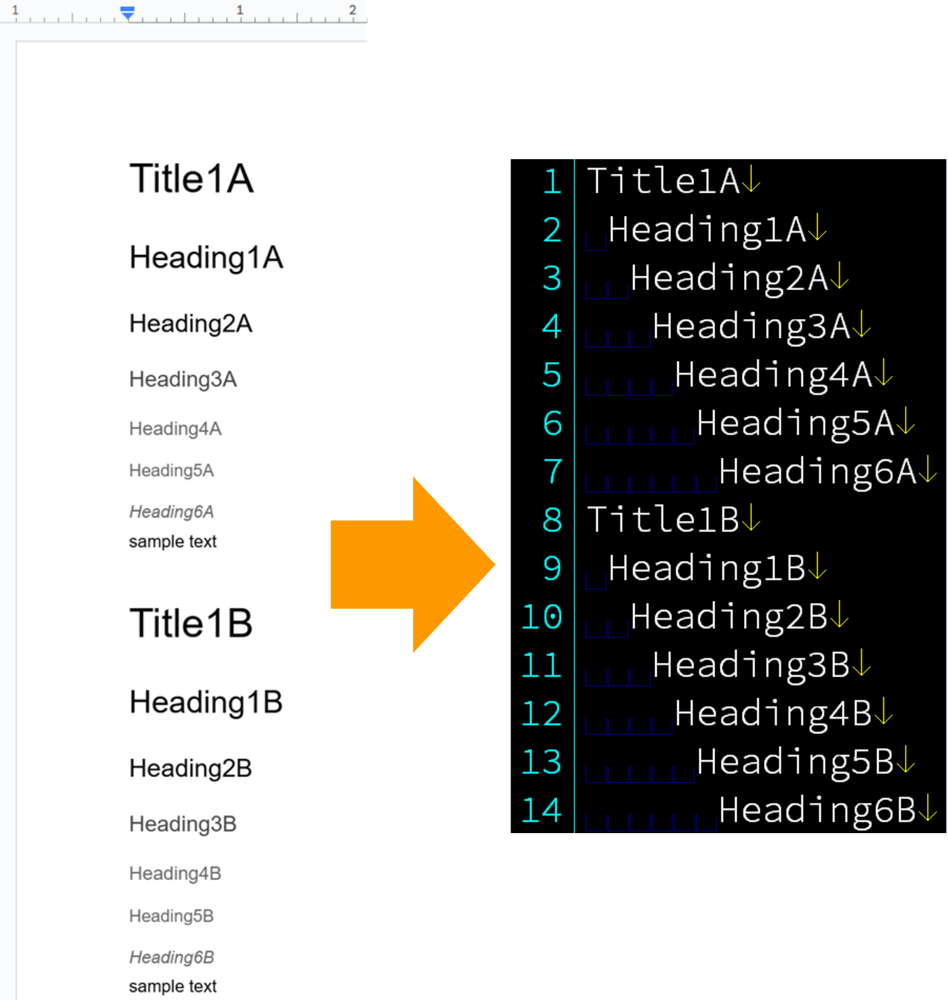
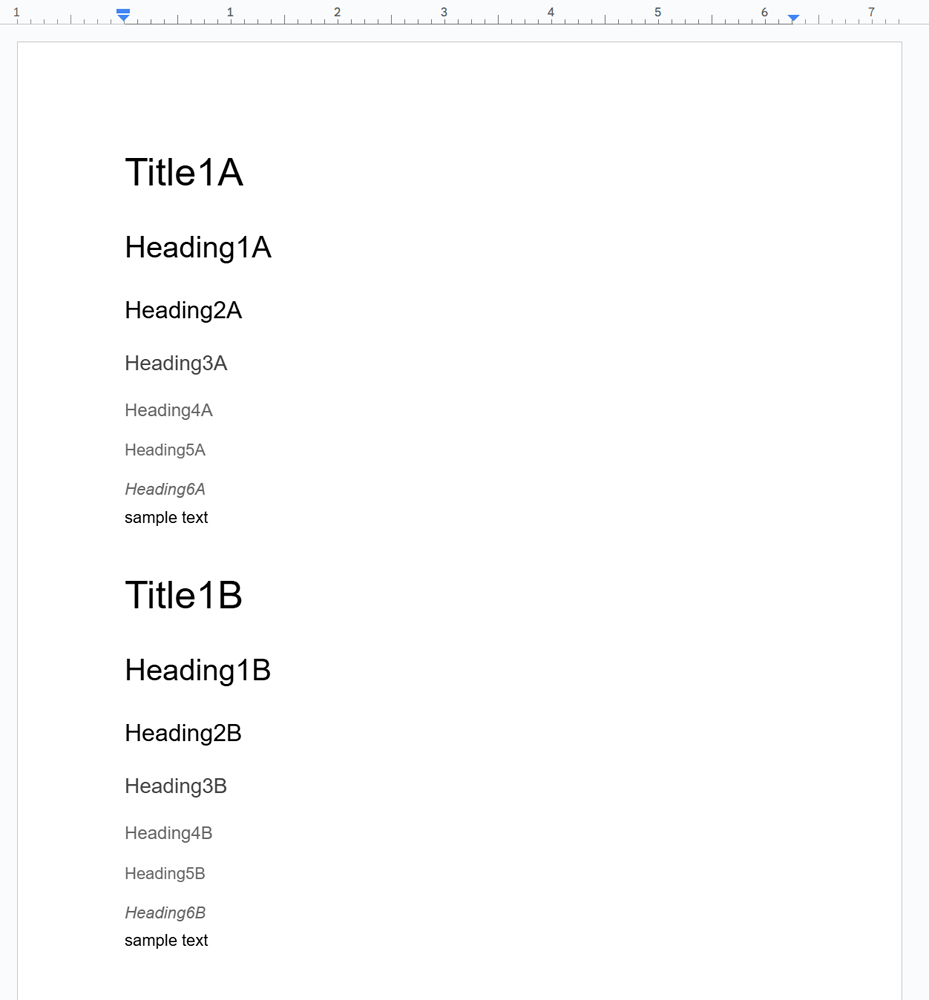
Current Google Docs API documentation offers methods for working with existing lists but lacks instructions for creating nested lists in new documents. This report fills this gap, empowering developers and streamlining nested list creation using Google Apps Script (concepts applicable to other languages).
Introduction
The official Google Docs API documentation provides instructions for working with existing lists, including converting paragraphs to lists and removing bullets. However, it lacks guidance on creating nested lists within an empty document body. Ref
Gists

Abstract
Despite the improved Google Apps Script IDE launched in April 2022, challenges arise for HTML and Javascript development. The Script Editor’s built-in formatting for these languages proves insufficient, particularly for large Javascript codebases, potentially causing errors. This report proposes a solution to address this formatting issue and streamline development within the Script Editor.
Introduction
The Google Apps Script Integrated Development Environment (IDE) Script Editor received a significant update on April 13, 2022, transforming it into a more modern and streamlined development experience. Ref This enhanced IDE empowers developers to create custom solutions that extend the capabilities of Google Workspace applications for their organizations.