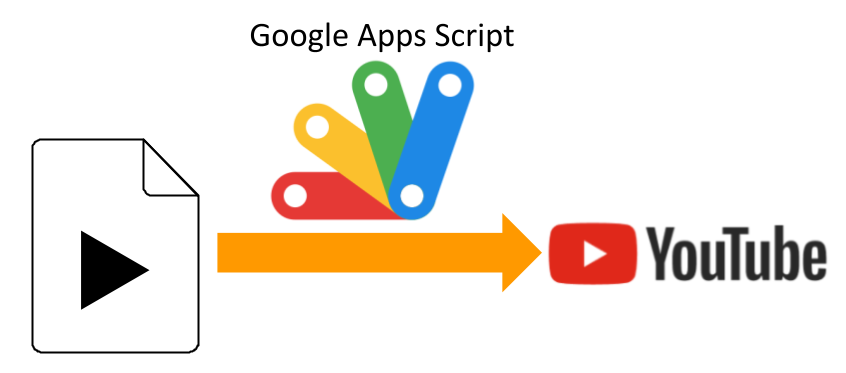
This is a sample script for uploading a movie file on Google Drive to YouTube using Google Apps Script.
Before you use these scripts, please enable YouTube API at Advanced Google services. Ref
Sample script 1
This sample script uses YouTube API at Advanced Google services.
function myFunction() {
  const fileId = "###"; // Please set the file ID of movie file on the Google Drive.

  const res = YouTube.Videos.insert(
    { snippet: { title: "sample title", description: "sample description" } },
    ["snippet"],
    DriveApp.getFileById(fileId).getBlob()
  );
  console.log(res);
}
Sample script 2
This sample script requests to the endpoint of YouTube API with UrlFetchApp by creating the request body. This script requests with multipart/form-data.
function myFunction() {
  const fileId = "###"; // Please set the file ID of movie file on the Google Drive.

  const metadata = {
    snippet: { title: "sample title", description: "sample description" },
  };
  const url =
    "https://www.googleapis.com/upload/youtube/v3/videos?part=snippet";
  const file = DriveApp.getFileById(fileId);
  const boundary = "xxxxxxxxxx";
  let data = "--" + boundary + "\r\n";
  data += "Content-Type: application/json; charset=UTF-8\r\n\r\n";
  data += JSON.stringify(metadata) + "\r\n";
  data += "--" + boundary + "\r\n";
  data += "Content-Type: " + file.getMimeType() + "\r\n\r\n";
  const payload = Utilities.newBlob(data)
    .getBytes()
    .concat(file.getBlob().getBytes())
    .concat(Utilities.newBlob("\r\n--" + boundary + "--").getBytes());
  const options = {
    method: "post",
    contentType: "multipart/form-data; boundary=" + boundary,
    payload: payload,
    headers: { Authorization: "Bearer " + ScriptApp.getOAuthToken() },
    muteHttpExceptions: true,
  };
  const res = UrlFetchApp.fetch(url, options).getContentText();
  console.log(res);

  // YouTube.Videos.insert() // This comment line is used for automatically detecting the required scope.
}
Note
-
When Google Apps Script is used, the maximum file size for uploading is 50 MB, because of the maximum size of Blob. This is the current specification. Please be careful this. When you want to upload more large movie file, please use the resumable upload. In that case, I think that it is required to modify the method of this library.
-
In the current stage, even when
"privacyStatus": "public"is used, the uploaded video is not public. About this, you can see it at the official document as follows. RefAll videos uploaded via the videos.insert endpoint from unverified API projects created after 28 July 2020 will be restricted to private viewing mode. To lift this restriction, each API project must undergo an audit to verify compliance with the Terms of Service. Please see the API Revision History for more details.
References
- Videos: insert
- Multipart-POST Request Using Google Apps Script
- This sample script was used for answering to the thread of Stackoverflow.