Updated goodls to v128

  • v1.2.8 (February 17, 2022)

    1. Recently, it seems that the specification the process for downloading the shared file on Google Drive has been changed. So I updated goodls for reflecting this. The usage of goodls is not changed.

The detail information and how to get this are https://github.com/tanaikech/goodls.

Counter in Cell of Google Spreadsheet using Infinite Loop with Google Apps Script

Gists

Counter in Cell of Google Spreadsheet using Infinite Loop with Google Apps Script

This is a sample script of a counter in a cell of Google Spreadsheet using the infinite loop with Google Apps Script. Recently, I have reported about the infinite loop on Google Spreadsheet. Ref This sample script achieves a counter in a cell using the infinite loop.

Sample script

This sample script is a test script for counting the number using the infinite loop. Please be careful this. Please copy and paste the following script to the script editor of Google Spreadsheet and save it. And, please install OnChange trigger to the function onChange().

Report: Occurring and Resolving Infinite Loop on Google Spreadsheet using Google Apps Script

Gists

Report: Occurring and Resolving Infinite Loop on Google Spreadsheet using Google Apps Script

Here, I would like to introduce a report for occurring and resolving the infinite loop on Google Spreadsheet using Google Apps Script. I have reported this to Google issue tracker. Ref

Sample script: Occurring infinite loop

This sample script is a test script for confirming the infinite loop. Please be careful this. Please copy and paste the following script to the script editor of Google Spreadsheet and save it. And, please install OnChange trigger to the function onChange().

Report: Inserting Multiple Paragraphs to Google Document in Order using Google Docs API

Gists

This is a report for inserting the multiple paragraphs to Google Document in order using Google Docs API.

When the multiple paragraphs are inserted to Google Document using Google Docs API, it is required to pay attention to the index for inserting the texts. In this report, I would like to introduce the points for achieving this with a simple method.

Although this report uses Google Apps Script, the logic of this method can be used for other language.

GAS Library - HtmlFormApp

Overview

GAS Library - HtmlFormApp

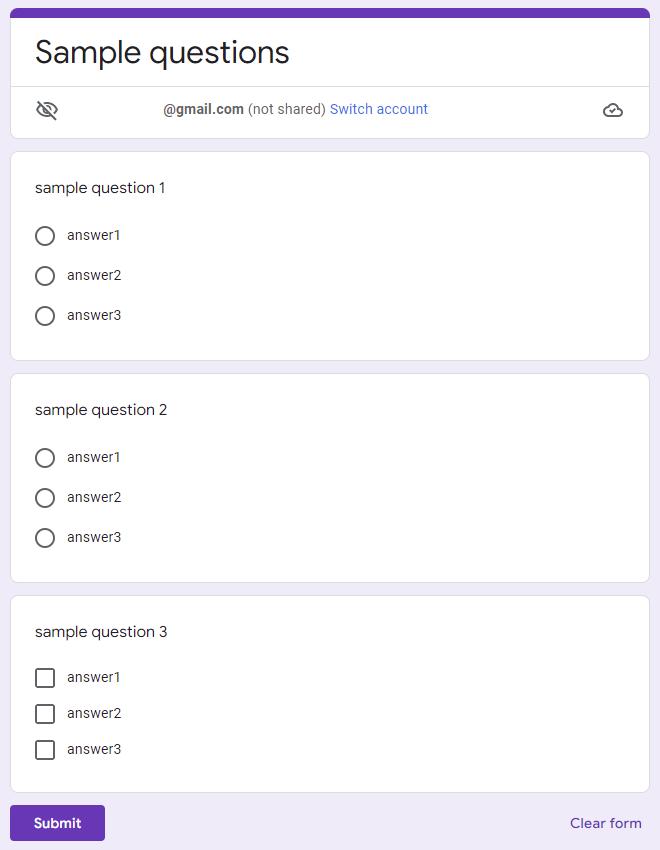
This is a Google Apps Script library for parsing the form object from HTML form and appending the submitted values to the Spreadsheet.

Description

There is Google Form in the Google service. Google Form can parse the submitted data and put it in the Spreadsheet. But when we want to use the custom form, it is required to use the HTML form on Web Apps, dialog, and sidebar. In this case, it is required to prepare Javascript and Google Apps Script for parsing the form object from the HTML form and appending the parsed values to Spreadsheet. Recently, a bug of the built-in parser from the Javascript side to the Google Apps Script side for parsing the form object from the HTML form had been removed. Ref But, in the current stage, this bug is removed for only Web Apps. Unfortunately, for the dialog and sidebar, this bug has never been removed. And also, unfortunately, the built-in parser from the Javascript side to the Google Apps Script side cannot be used for the multiple files of the input tag. And, this cannot be used except for google.script.run. For example, when the HTML form including the files is submitted using “action” of the form tag, the file content is not included. And then, when the form object is retrieved, it is required to parse the object and put it in the Spreadsheet. From these situations, I thought that when this process can be run using the libraries, that might be useful for users. So I created this.

On January 19, 2022, 2 Classes of 'CellImageBuilder' and 'CellImage' have been added to Spreadsheet Service

On January 19, 2022, 2 classes of CellImageBuilder and CellImage have been added to the Spreadsheet Service.

Unfortunately, in the current stage, it seems that the image manually put to a cell without using the URL cannot still be retrieved.

  • When an image is manually put from URL and Google Drive to a cell, this image cannot be retrieved.
  • When an image is put using setSourceUrl method with a script, this image and URL cannot be retrieved.

I would like to expect to resolve these in the future update.

Workaround for Inserting Non-public image of Google Drive using IMAGE Function in a Cell on Google Spreadsheet using Google Apps Script

Gists

Workaround for Inserting Non-public image of Google Drive using IMAGE Function in a Cell on Google Spreadsheet using Google Apps Script

This is a workaround for inserting the non-public image of Google Drive using IMAGE function in a cell on Google Spreadsheet using Google Apps Script.

When an image on Google Drive is inserted to a cell of Spreadsheet using =IMAGE(URL) function, the image of URL is required to be publicly shared. But, there is the case that the image cannot be publicly shared. This workaround might be able to be used for this situation.

Update: Javascript library - HtmlFormObjectParserForGoogleAppsScript_js

This is a Javascript library for sending the HTML form object to Google Apps Script using google.script.run.

HtmlFormObjectParserForGoogleAppsScript_js was updated to v1.0.1.

  • v1.0.1 (January 11, 2022)

    1. A new argument of includeOrder was added as the 4th argument. This library returns the parsed form object as a JSON object. By this, the order of HTML form object is not saved. From this version, this order can be included. This argument includes the order of each input tag in form. The default value is false. When this value is true, a property of orderOfFormObject is included in the returned object. This value is the order of HTML form object. Using this value, you can retrieve the parsed form object in order of HTML form.

You can see the detail of this at https://github.com/tanaikech/HtmlFormObjectParserForGoogleAppsScript_js