Detecting Cells with Quote Prefix in Google Spreadsheet using Google Apps Script
Gists

Detecting Cells with Quote Prefix in Google Spreadsheet using Google Apps Script

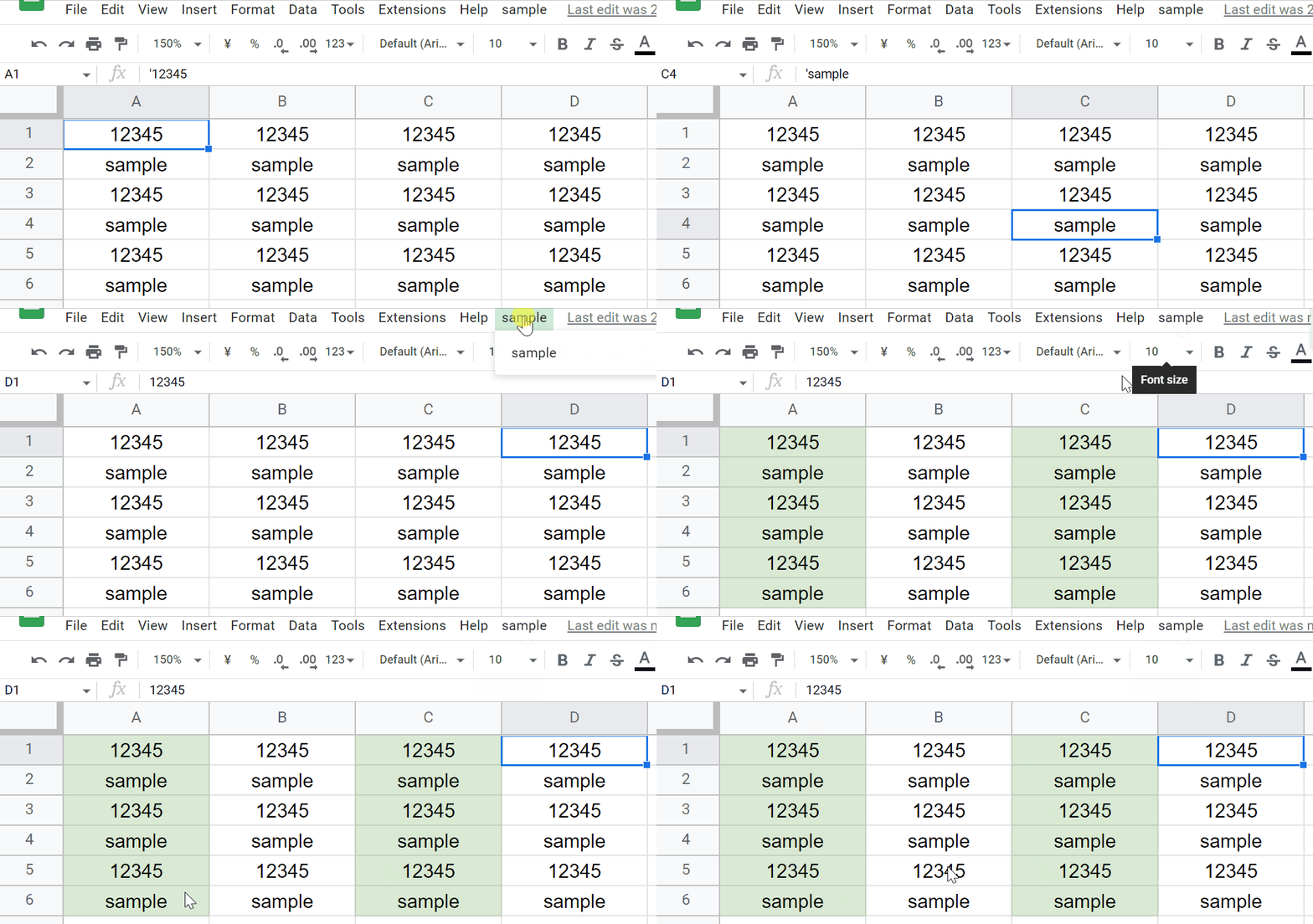
This is a sample script for detecting cells with the quote prefix in Google Spreadsheet using Google Apps Script.

For example, when a value is put to a cell by adding a single quote ' as the top character, the cell value is used as the string value. This is the current specification. Under this condition, when the cells with the value of the quote prefix are tried to be detected, unfortunately, in the current stage, it seems that there is no method for directly achieving this in the methods of Spreadsheet service (SpreadsheetApp).
Report: Rule of Item IDs for Questions of Google Forms

Gists

This is a report related to the rule of item IDs for questions of Google Forms.

When the questions are created using the method of batchUpdate with Google Forms API, the created questions have the item IDs when the item IDs are not given in the request body. ( https://developers.google.com/forms/api/reference/rest/v1/forms#item ) For example, when you want to create a question and update the created question in one API call, it is required to include the custom item ID in the request body. But, it seems that in the current stage, the information of the item ID has never been published. So, in this report, I would like to consider the rule of item IDs of questions for Google Forms API.

Report: Process Cost of Google Apps Script During Large Calculations by Formulas on Google Spreadsheet

Gists

Report: Process Cost of Google Apps Script During Large Calculations by Formulas on Google Spreadsheet

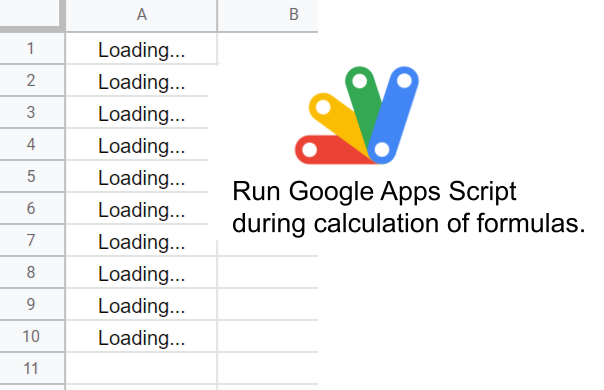
Today, I found a question ( https://stackoverflow.com/q/73540735 ) in Stackoverflow by Max Makhrov. When I saw this question, I thought that this is a good raising question. In this question, it has reported that when the Spreadsheet includes the formulas of the large calculation, when a Google Apps Script is run during the calculation of the formulas is running, the processing time of the script becomes long.

Updating Same Position on Google Document using Google Apps Script

Gists

Updating Same Position on Google Document using Google Apps Script

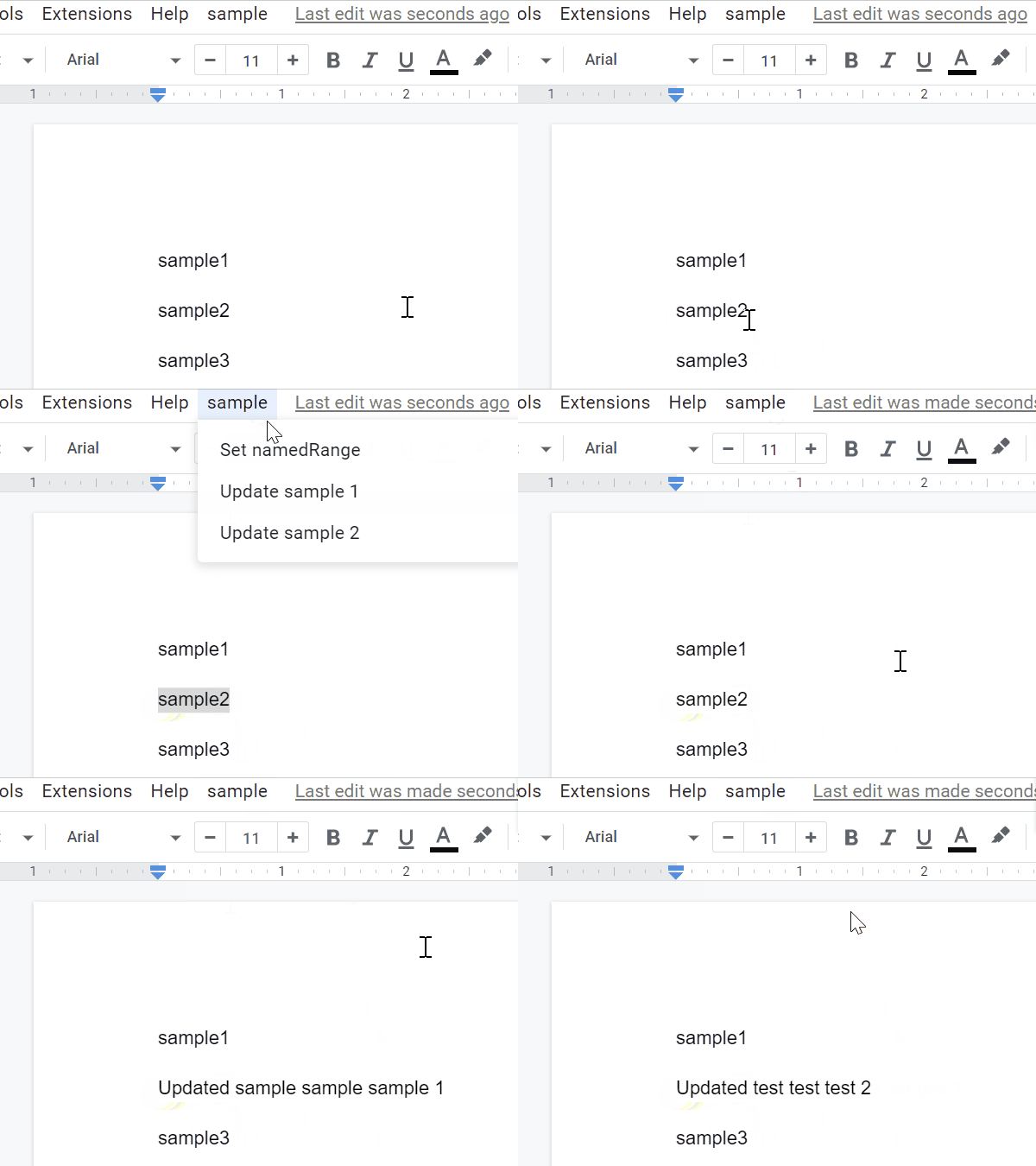
This is a sample script for updating the same position on Google Document using Google Apps Script.

In this case, the named range is used. About the named range on Google Document, in the current stage, unfortunately, this cannot be used with the UI on Google Document. And, when I saw the official document of named range, I thought that this might be a bit difficult. Ref Ref So, I have created a Google Apps Script for managing the named range on Google Document. Ref In this post, I would like to introduce a sample script for updating the same position on Google Document using this GAS library.

Report: Efficiently Creating Web Apps using a Google Apps Script library

Gists

This is a sample script for efficiently creating Web Apps using a Google Apps Script library.

When a Google Apps Script library is used for creating Web Apps, the following advantage can be obtained.

  • The script of the client-side can be simpler. Because most scripts for constructing Web Apps are included in the Google Apps Script library.
  • When the script of Web Apps (In this case, the script of Google Apps Script library is modified.) is modified, the latest script is reflected in the Web Apps, immediately. Because when the Google Apps Script library is used as the latest version when the script of the library is modified, the client can use the latest script of the library, immediately. So, the downtime of Web Apps can be reduced.
    • By this, it is not required to manually reflect the latest version of the script to the Web Apps.
  • When you can change the script of Web Apps by changing the deployed version of the library.

The sample script for explaining this is as follows.

Benchmark: High-Efficiency Finding and Replacing Many Values in Google Spreadsheet with Low Process Cost using Google Apps Script

Gists

Benchmark: High-Efficiency Finding and Replacing Many Values in Google Spreadsheet with Low Process Cost using Google Apps Script

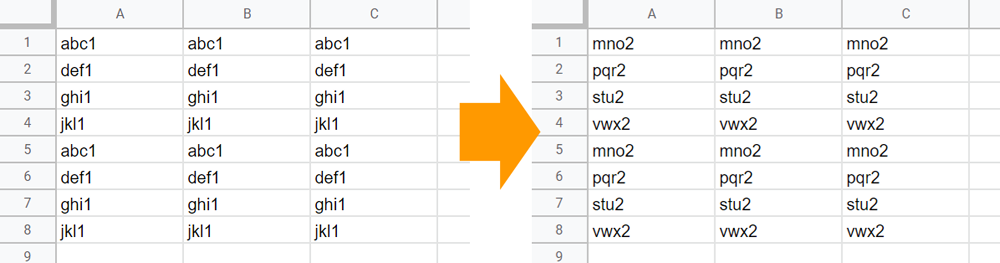
This is a sample script for high-efficiency finding and replacing many values in Google Spreadsheet with the low process cost using Google Apps Script.

When the various values are replaced in Google Spreadsheet using Google Apps Script, I’m worried about the process cost. So, in this report, I would like to introduce a sample script for high-efficiency achieving this.

Updating Destination Sheet by Source Sheet in Google Spreadsheet using Google Apps Script

Gists

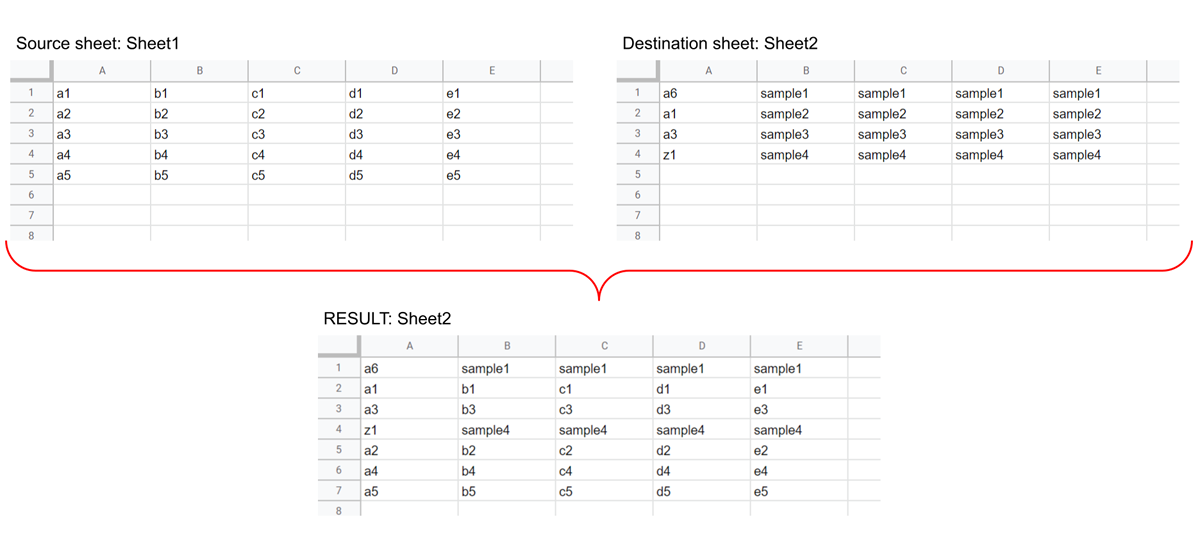
This is a sample script for updating the destination sheet by the source sheet in Google Spreadsheet using Google Apps Script.

The sample situation is as follows.

Updating Destination Sheet by Source Sheet in Google Spreadsheet using Google Apps Script

Sample script

function myFunction() {
  const sheetNames = ["Sheet1", "Sheet2"];

  // Retrieve values from source and destination sheets.
  const ss = SpreadsheetApp.getActiveSpreadsheet();
  const [srcSheet, dstSheet] = sheetNames.map((s) => ss.getSheetByName(s));
  const [srcValues, dstValues] = [srcSheet, dstSheet].map((s) =>
    s.getDataRange().getValues()
  );

  // Create an array for updating the destination sheet.
  const srcObj = srcValues.reduce((o, r) => ((o[r[0]] = r), o), {});
  const values = [
    ...dstValues.map(([a, ...v]) => {
      if (srcObj[a]) {
        const temp = srcObj[a];
        delete srcObj[a];
        return temp;
      }
      return [a, ...v];
    }),
    ...Object.values(srcObj),
  ];

  // Update the destination sheet.
  dstSheet.getRange(1, 1, values.length, values[0].length).setValues(values);
}
  • In this sample script, “Sheet1” and “Sheet2” are the source and destination sheets, respectively.

Moving Cell Detection on Google Spreadsheet using Google Apps Script

Gists

Moving Cell Detection on Google Spreadsheet using Google Apps Script

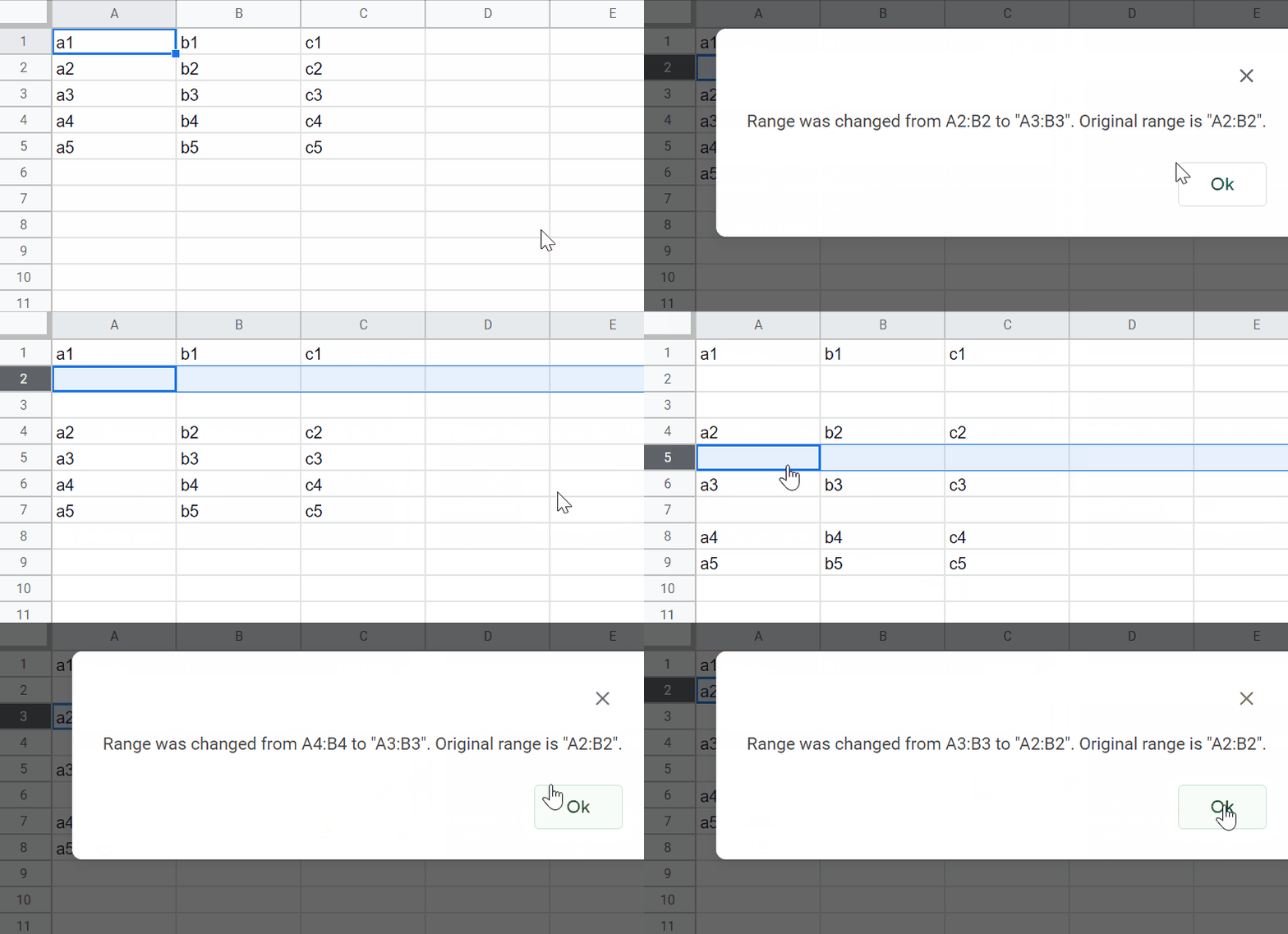
This is a sample script for detecting whether the specific cells on Google Spreadsheet are manually moved using Google Apps Script.

In this case, the named range, OnChange trigger, and PropertiesService are used.

Usage:

1. Create a named range.

As a sample, please create a named range to the cells “A2:B2” as “sampleNamedRange1”. Ref

2. Prepare sample script.

Please copy and paste the following script to the script editor of Spreadsheet. And, please install OnChange trigger to the function installedOnChange.

Using RichTextValues with Custom Function on Google Spreadsheet

Gists

Using RichTextValues with Custom Function on Google Spreadsheet

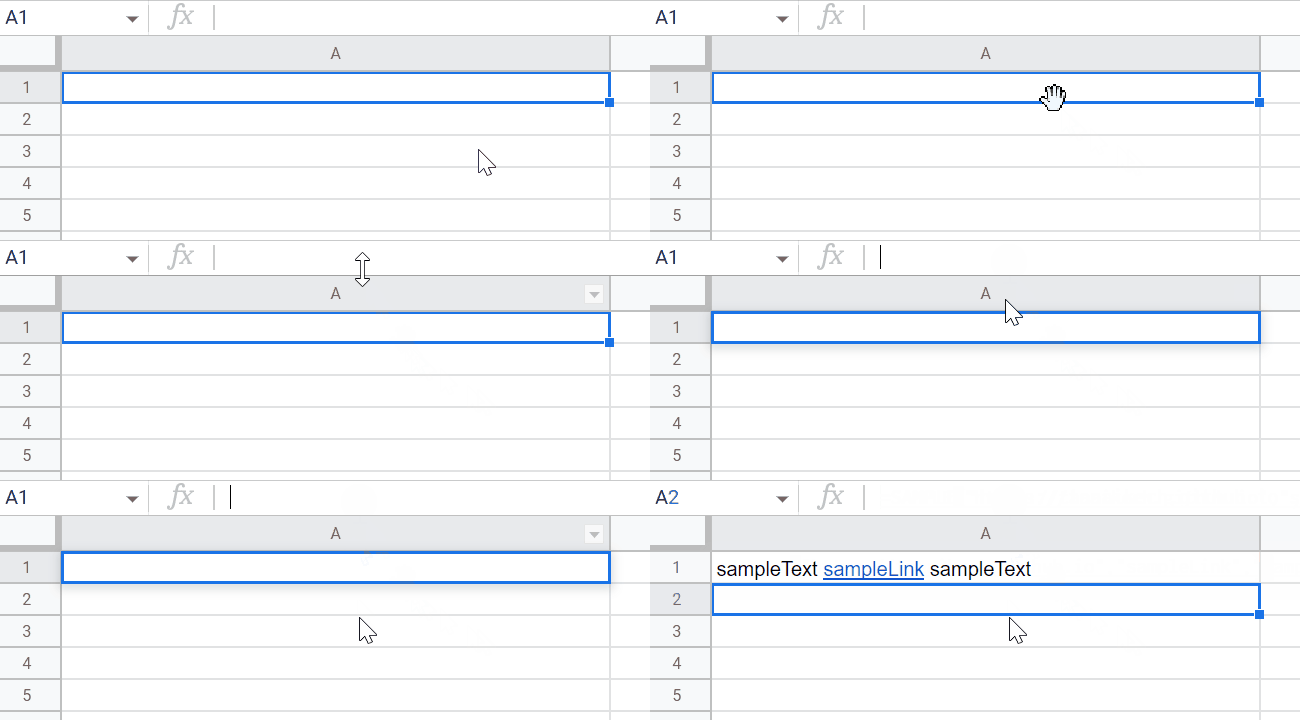
In this post, I would like to introduce the method for using RichTextValue with a custom function of Google Apps Script.

This sample is for this thread in Stackoverflow.

In this thread, the OP’s goal is as follows.

  • Put a text to a cell. In this case, use a hyperlink in a part of the text.
  • This is required to be achieved using a custom function.

In the current stage, in order to reflect the hyperlink in a part of the text, it is required to use setRichTextValue of Google Apps Script. In this case, this method cannot be used with the custom function. This is the current specification.