Today, on July 16, 2026, the Antigravity CLI was updated to version v1.1.3. Following this update, I encountered a critical issue: after entering any prompt, the execution state falls into an infinite loop. The status messages (such as “Loading…”, “Generating…”, and “Working…”) cycle indefinitely, and no content is ever generated.
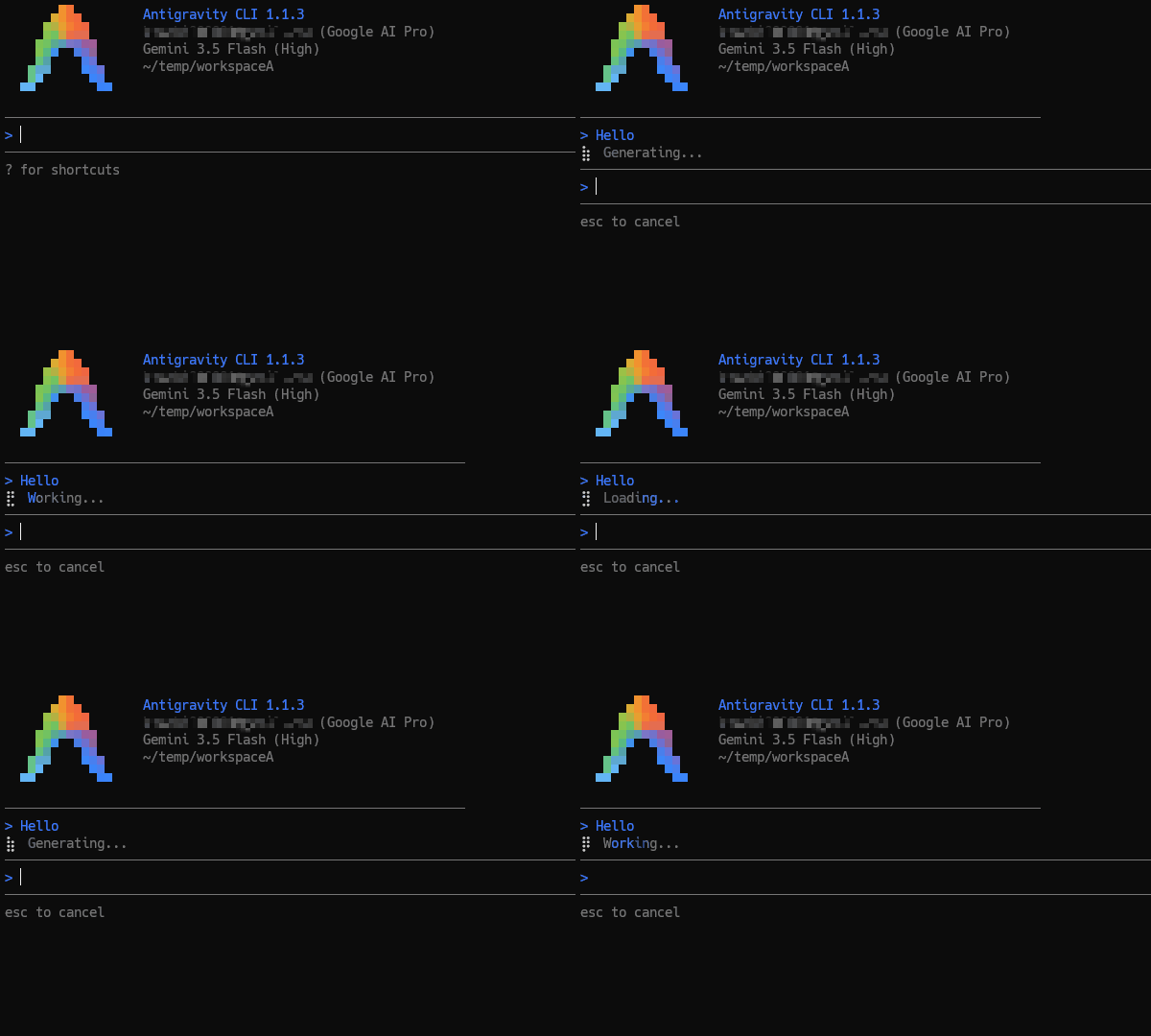
Is this issue isolated?
At this moment, it remains unclear whether this issue is isolated to my specific environment/account configuration or is a widespread bug affecting other users.
Verification and Control Experiment
To isolate the cause, I downloaded the previous stable version, v1.1.2, directly from the releases on github.com/google-antigravity/antigravity-cli.
Upon running v1.1.2, the CLI functioned perfectly without any latency or loading issues. This contrast strongly suggests that the v1.1.3 update introduced a regression—likely a deadlock in stream-handling or an unhandled exception in the status-polling loop.
Temporary Workaround: Rolling Back and Disabling Auto-Updates
Until the root cause of this behavior is identified and resolved by the development team (or confirmed and patched by the community), I will continue to use v1.1.2.
To prevent the CLI from automatically updating back to the problematic v1.1.3, I have temporarily disabled auto-updates by modifying the settings file located at ~/.gemini/antigravity-cli/settings.json as follows:
{
  "update.mode": "none"
}
If you are experiencing the same infinite loop on v1.1.3, applying this rollback and locking the update mode should restore your environment to working order. Let’s monitor how this issue unfolds.