This is a sample script for replacing the multiple paragraphs on Google Document with a regex using Google Apps Script. There is the method of replaceText(searchPattern, replacement) for replacing the text on Google Document. Ref For example, when a text of sample1 is replaced with sample2, this can be achieved by a script like DocumentApp.getActiveDocument().getBody().replaceText("sample1", "sample2"). But, when the texts for replacing are the multiple paragraphs, this script cannot be used. Namely, it is considered that in the current stage, replaceText cannot be used for replacing the multiple paragraphs. In this post, I would like to introduce a sample script for replacing the texts with the multiple paragraphs using Google Apps Script.
Sample situation
Input
The sample input situation is as follows.
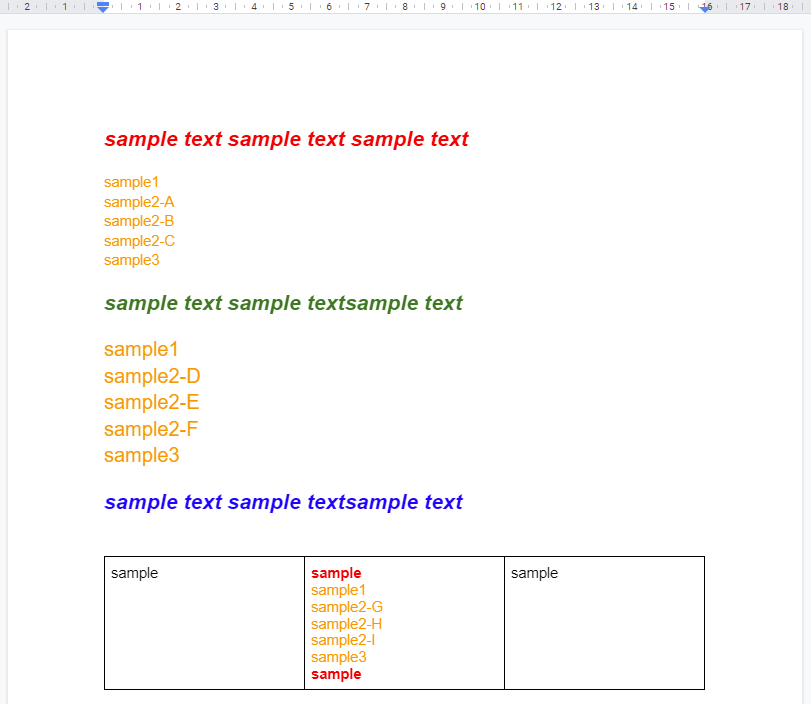
In this sample script, the texts from sample1 to sample3 are replaced to a text of REPLACED as follows.
Output
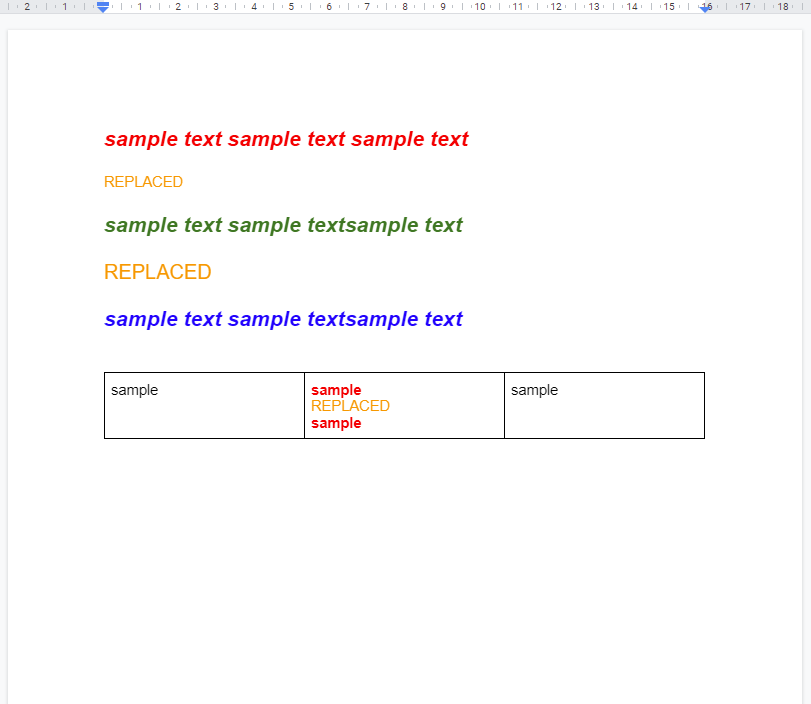
When this output image is seen, it is found that the text style is not changed before and after the replace.
Sample script
The sample script for achieving the above situation is as follows. In this case, Google Docs API is used. When Google Docs API is used, the multiple paragraphs can be replaced. So, please enable Google Docs API at Advanced Google services.
function myFunction() {
  const doc = DocumentApp.getActiveDocument();
  const matches = doc
    .getBody()
    .getText()
    .match(/sample1[\s\S\w]+?sample3/g);
  if (!matches || matches.length == 0) return;
  const requests = matches.map((text) => ({
    replaceAllText: {
      containsText: { matchCase: false, text },
      replaceText: "REPLACED",
    },
  }));
  Docs.Documents.batchUpdate({ requests }, doc.getId());
}
Note
-
As an important point, in this case, it seems that the regex of
sample1[\s\S\w]+?sample3andsample1[\\s\\S\\w]+?sample3cannot be directly used to the replaceAllText request of batchUpdate. So, I retrieved the replaced values as the texts by retrieving using the regex ofsample1[\s\S\w]+?sample3. -
Only when the text is replaced,
getText()andsetText()can be also used as follows.const body = DocumentApp.getActiveDocument().getBody(); const text = body.getText().replace(/sample1[\s\S\w]+?sample3/g, "REPLACED"); body.setText(text);-
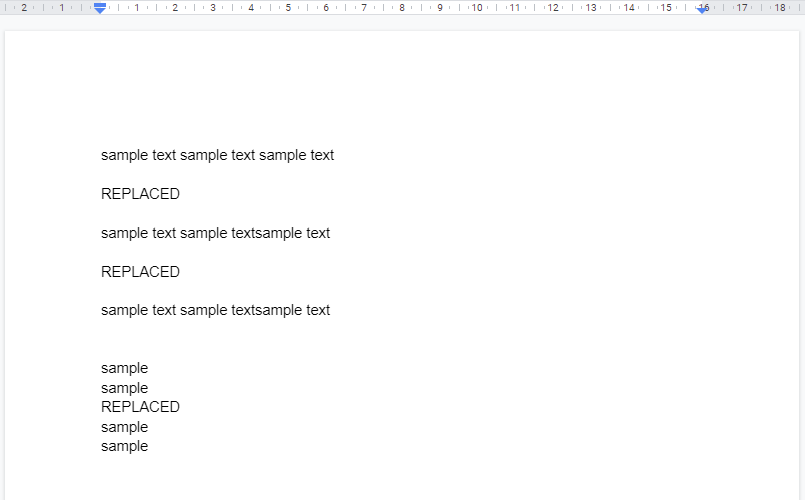
This script can be used for the document created by the default text style. For example, when the above sample input Document is used with this script, the following output situation is obtained.
-
Reference
- This method is used at this thread of Stackoverflow.