Roadmap Generator as Gemini

Gists

Roadmap Generator as Gemini

Abstract

Gemini and Google Apps Script automate project roadmap creation in Google Sheets, including Gantt charts, improving efficiency and agile planning.

Introduction

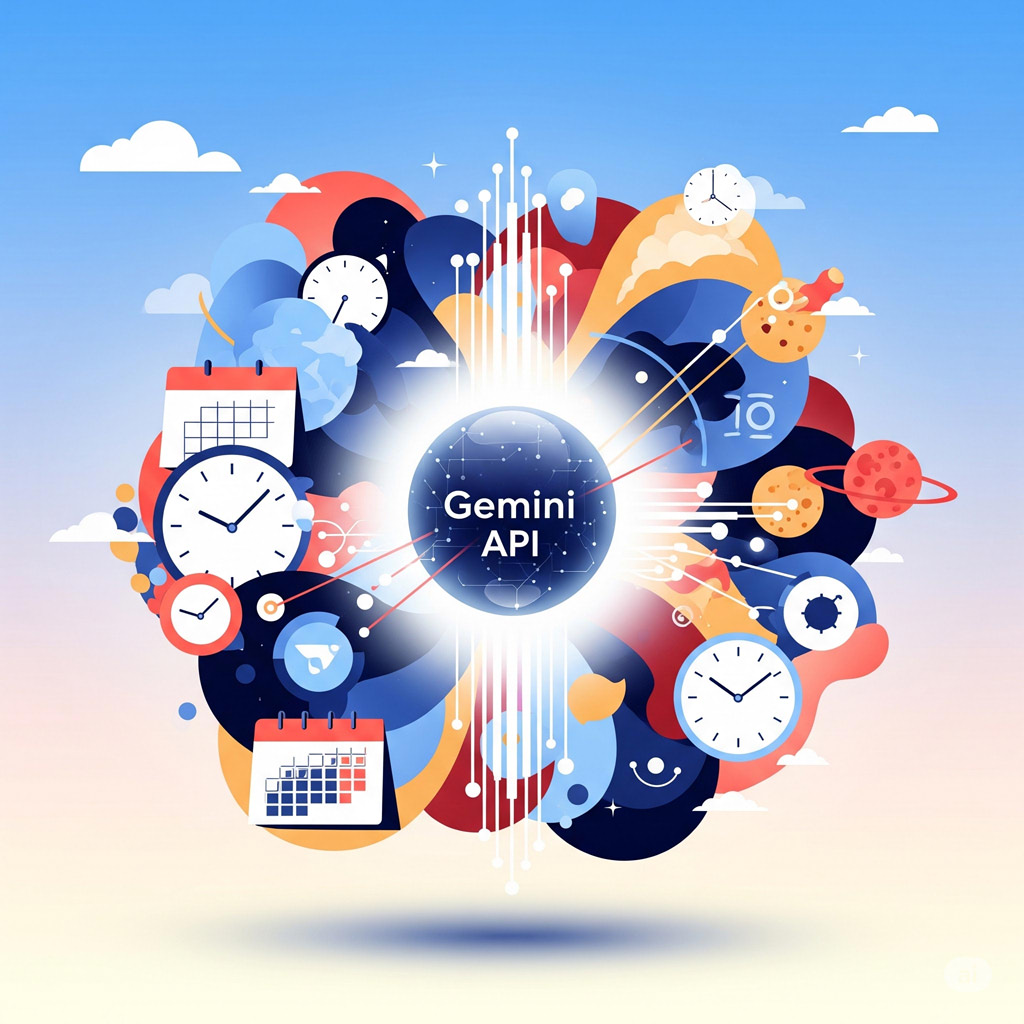
When initiating a new project, a comprehensive roadmap is crucial for successful execution. Previously, I meticulously crafted these roadmaps manually, a time-consuming process. However, leveraging the advanced capabilities of Google’s Gemini, I’ve significantly streamlined this workflow. Gemini now assists in generating detailed project roadmaps, enhancing efficiency and accuracy. To further automate this process, I developed a Google Apps Script that dynamically constructs these roadmaps directly within Google Sheets, complete with integrated Gantt charts. This script facilitates the rapid generation of diverse project roadmaps, enabling agile planning and adaptation for future endeavors. This report details the functionality and implementation of this script, demonstrating its potential to optimize project planning and visualization.

Enhanced Text Manipulation in Google Slides using Google Apps Script

Gists

Enhanced Text Manipulation in Google Slides using Google Apps Script

Description

This is a sample Google Apps Script designed to replace all instances of specific text within a Google Slides presentation, while simultaneously applying a desired text style. The built-in Presentation.replaceAllText() method within the Google Slides service is limited; it efficiently replaces text strings but lacks the functionality to modify text formatting during the replacement process. This limitation poses a challenge when aiming for styled text replacements. This report presents a detailed script solution that overcomes this constraint. The script iterates through all text elements within the slides, identifies matching text, and performs a replacement. Crucially, it also applies specified text formatting attributes, such as font, font size, color, and bold/italic settings, to the replaced text. This enhanced functionality allows users to maintain consistent and visually appealing presentations when automating text modifications. Furthermore, the script illustrates the use of TextRange methods for precise text manipulation and styling within Google Slides. This approach offers a more robust alternative to the standard replaceAllText() method, providing greater control over text replacement and formatting in Google Slides automation workflows.

Slide Puzzle in Google Sheets

Gists

Slide Puzzle in Google Sheets

Abstract

This report demonstrates the onSelectionChange simple trigger in Google Sheets by creating a slide puzzle. Selecting cells triggers script execution, enabling interactive gameplay.

Introduction

At Google Sheets, simple triggers can be used. When simple triggers are used, users can automatically run Google Apps Script based on actions in the spreadsheet. Among the simple triggers is onSelectionChange. This can automatically run a script when a cell is selected. In this report, as a simple sample script demonstrating the use of onSelectionChange, I created a slide puzzle in Google Sheets. The goal of the slide puzzle is to align the numbers by sliding them. Here, onSelectionChange is used to detect the selected number and slide it. The aim of this report is to learn about the simple trigger onSelectionChange.

Generate Growing Images using Gemini API

Gists

Generate Growing Images using Gemini API

Abstract

Gemini API now generates images via Flash Experimental and Imagen 3. This report introduces image evolution within conversations using Gemini API with Google Apps Script.

Introduction

Recently, image generation was supported in the Gemini API using Gemini 2.0 Flash Experimental and Imagen 3. I have already reported a simple sample script for generating images using the Gemini API with Google Apps Script. Ref In practice, you might want to evolve the generated images within a conversation. In this report, I would like to introduce a sample script demonstrating this using Google Apps Script.

Create Visualized Recipe Instructions with Gemini using Google Apps Script

Gists

Create Visualized Recipe Instructions with Gemini using Google Apps Script

Abstract

This report presents a Google Apps Script for generating visualized cooking recipes with text and images using the Gemini API, leveraging its image generation capabilities.

Introduction

Recently, image generation was supported in the Gemini API using Gemini 2.0 Flash Experimental and Imagen 3. I have already reported a simple sample script for generating images using the Gemini API with Google Apps Script. Ref Google Apps Script seamlessly integrates with Google Docs, Sheets, and Slides. In this report, I would like to introduce a script for creating a recipe for cooking a dish, including texts and images, using the Gemini API with Google Apps Script.

Generate Images with Gemini API using Google Apps Script

Gists

Generate Images with Gemini API using Google Apps Script

Description

Recently, image generation was supported in the Gemini API using Gemini 2.0 Flash Experimental and Imagen 3. This report introduces simple sample scripts for generating images using the Gemini API with Google Apps Script. When images can be created using the Gemini API with Google Apps Script, Google Apps Script, which seamlessly integrates with Google Docs, Sheets, and Slides, becomes a powerful tool for creating and managing them, and the applications are infinite.

Workaround: Smart Chips with Google Apps Script

Gists

Description

Now, Google Docs and Google Sheets can insert smart chips. Smart chips are very useful for easily inserting information like users, maps, files, and so on. However, unfortunately, at the current stage, smart chips cannot be directly managed using Google Apps Script. Specifically, the information within smart chips cannot be directly retrieved by Google Apps Script. Although I believe this will be resolved in a future update, there might be cases where you want to retrieve information from smart chips using Google Apps Script. This report introduces a workaround for achieving this.

Google OAuth Verification & Application Privacy Policy

Registered Application Name: Workspace & Gemini AI Orchestration Engine

Application Purpose & Core Functionality:

This web page serves as the official homepage and privacy compliance interface for the application "Workspace & Gemini AI Orchestration Engine". This specialized developer utility is designed to research, benchmark, and optimize advanced integrations between Google Workspace services, the Google Apps Script API, and Gemini AI models (via Google Vertex AI / Gemini API endpoints).

The application facilitates automated multi-agent scaffolding, programmatic script deployment, project resource management, and structural analysis of Google Apps Script projects. It allows developers and autonomous AI agents (operating via Model Context Protocol / MCP) to securely evaluate execution performance, implement high-performance batch requests, and test agent-to-agent (A2A) workflows within a controlled and structured environment.

Google User Data Policy Compliance Statements:

1. Data Access & Specific Usage

Our application explicitly requests access to specific Google user accounts through OAuth scopes required strictly for interacting with the Google Apps Script API and Google Workspace endpoints. This access is utilized solely to execute user-initiated or agent-orchestrated programmatic operations—such as creating, modifying, deploying, or benchmarking script projects and executing automated workflows. No background automated extraction occurs without explicit session initiation.

2. Data Storage & Zero-Retention Policy

Adhering to a strict Zero-Retention Model, this application does not store, log, or persist any personal data, OAuth tokens, script source codes, or Google account configurations on any external server, database, or persistent storage medium. All data processing and API responses are handled entirely in-memory or securely on the client side within the active session context, ensuring complete cryptographic transient isolation.

3. Data Sharing & Third-Party Non-Disclosure

We maintain absolute data privacy. No data accessed via Google OAuth scopes is shared, sold, rented, or transferred to third-party entities, advertising networks, or data brokers. All data transmissions are strictly point-to-point, encrypted in transit using industry-standard protocols, and limited entirely to the direct channel between the execution environment and Google's official API gateways.

For inquiries regarding this developer application, technical benchmarks, or verification compliance, please refer to the official documentation and repositories linked on this homepage (tanaikech.github.io).